What goes on the DAKboard gets done!
— Jessica W.
What goes on the DAKboard gets done!
— Jessica W.Connect your calendars, smart home devices, and dozens of integrations you already use!
 Instagram
 SmartThings
 Home Assistant
 OpenWeather
 Todoist
No proprietary hardware needed. Transform the screen you already own into a beautiful DAKboard in minutes.
Check the weather, bus schedules, and chores on the big screen before heading out. Just use your Smart TV’s native browser, or plug a DAKboard CPU or Raspberry Pi into any older TV for an instant command center.
Learn More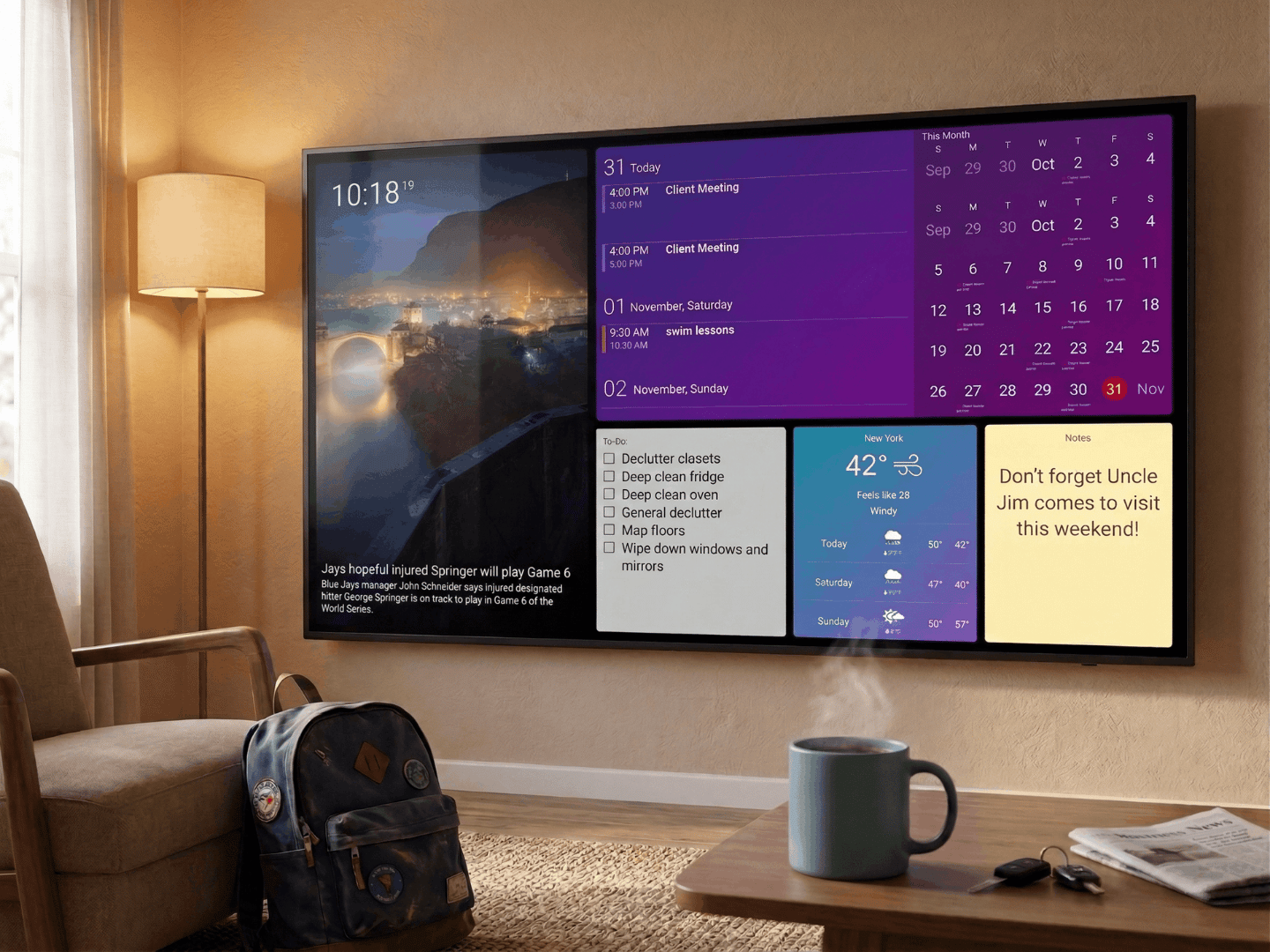
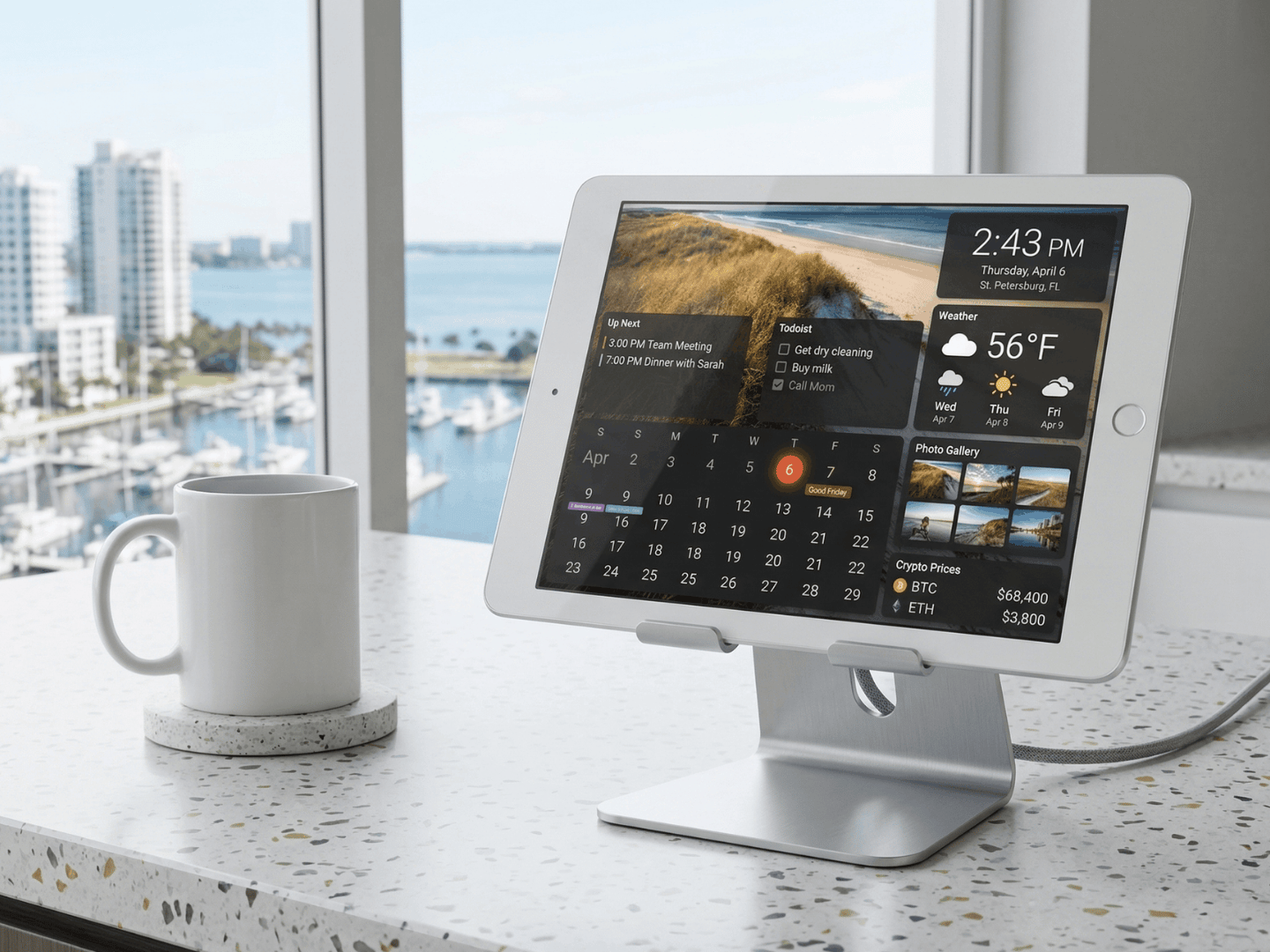
Prop up your old tablet on the kitchen counter for instant access to the family calendar, shared shopping lists, and weather. Upcycling your old tech just became smart.
Don’t let old tech sit in storage. Attach a DAKboard CPU to the back of a spare monitor and mount it in a high-traffic area. It transforms smoothly from unused junk into a sleek, shared display for the whole household.
Learn More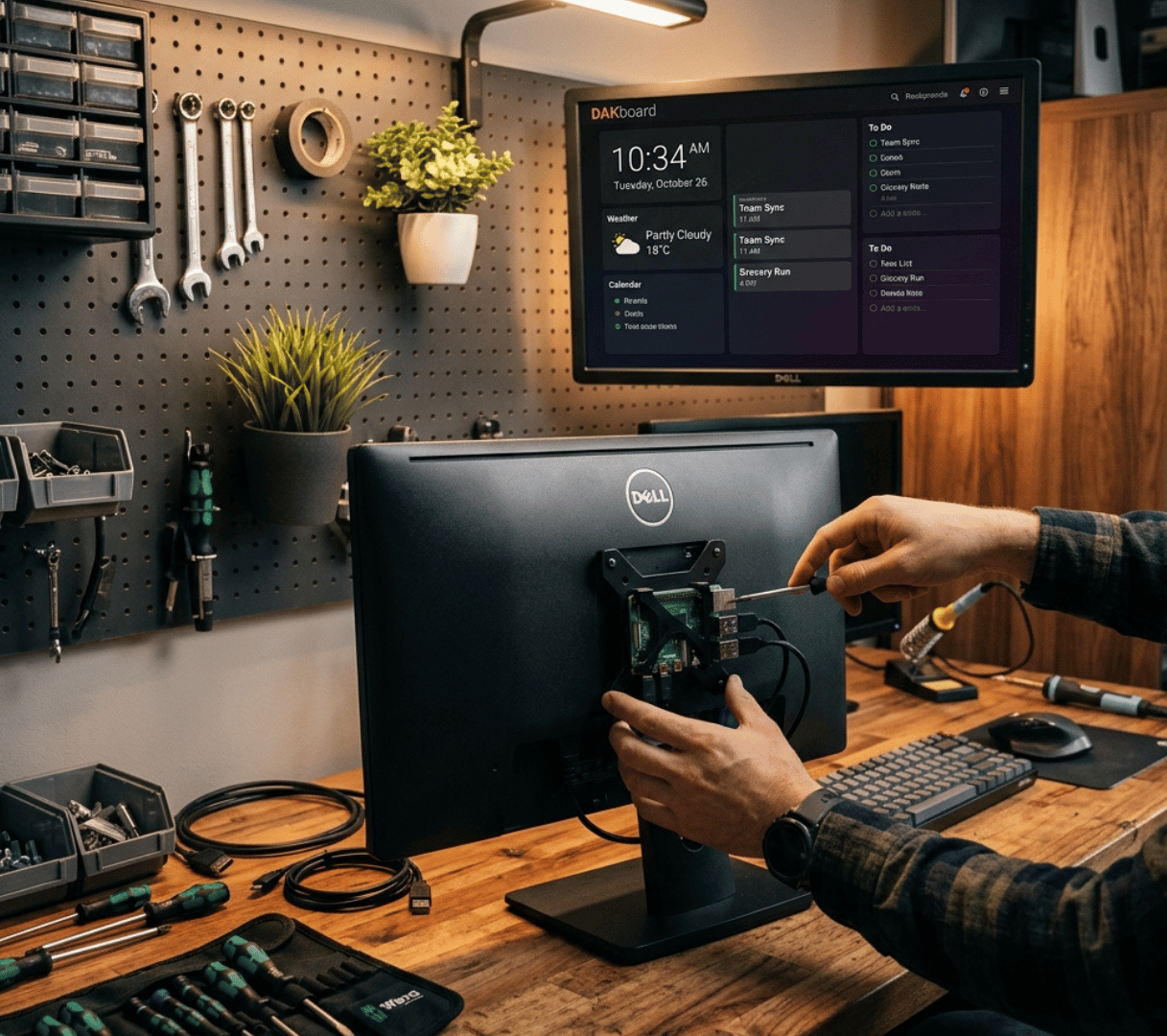
For the true DIYer, our free-to-download OS, optimized for single-board computers like the Raspberry Pi, gives you ultimate control. Build the exact display cases and integrations you need.
Learn More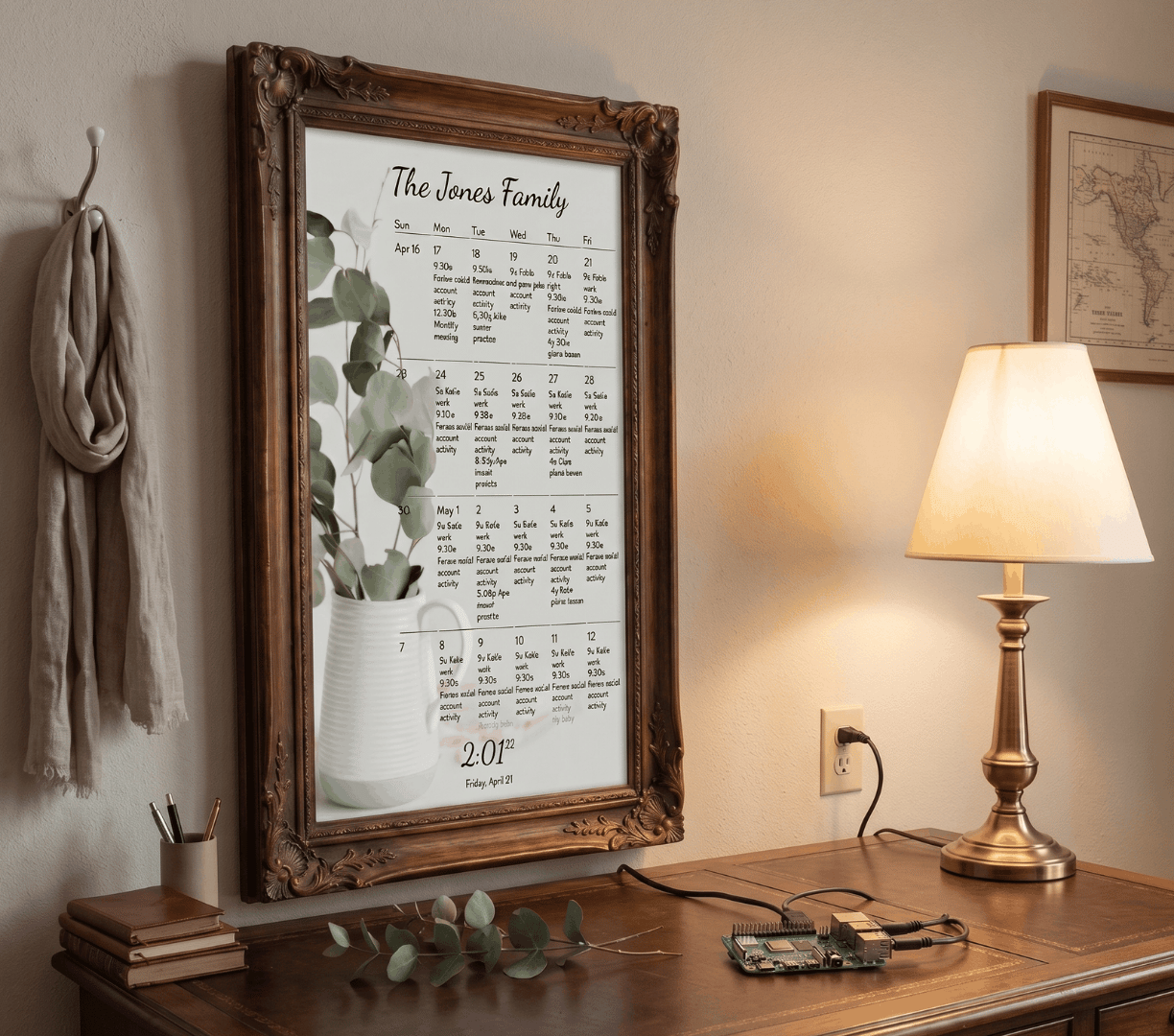
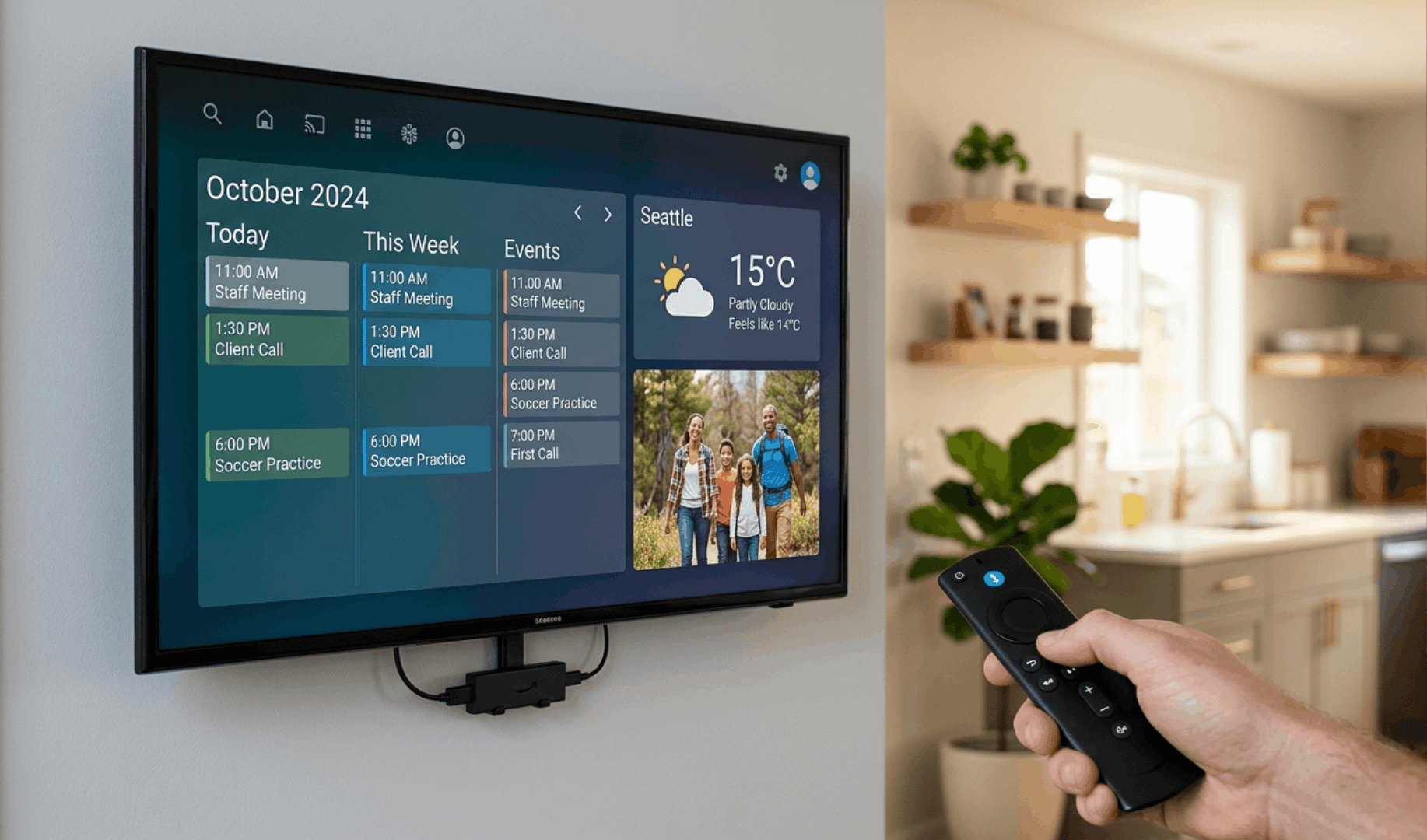
Have an Amazon Fire Stick or a spare Android box? Skip the browser setup entirely. Just download our native app, enter your linking code, and your screen instantly becomes a high-performance smart display.
Want the family plan on the big screen right now? Easily mirror or cast your DAKboard from your laptop, tablet, or smartphone directly to any AirPlay- or Chromecast-enabled TV in seconds.
Learn More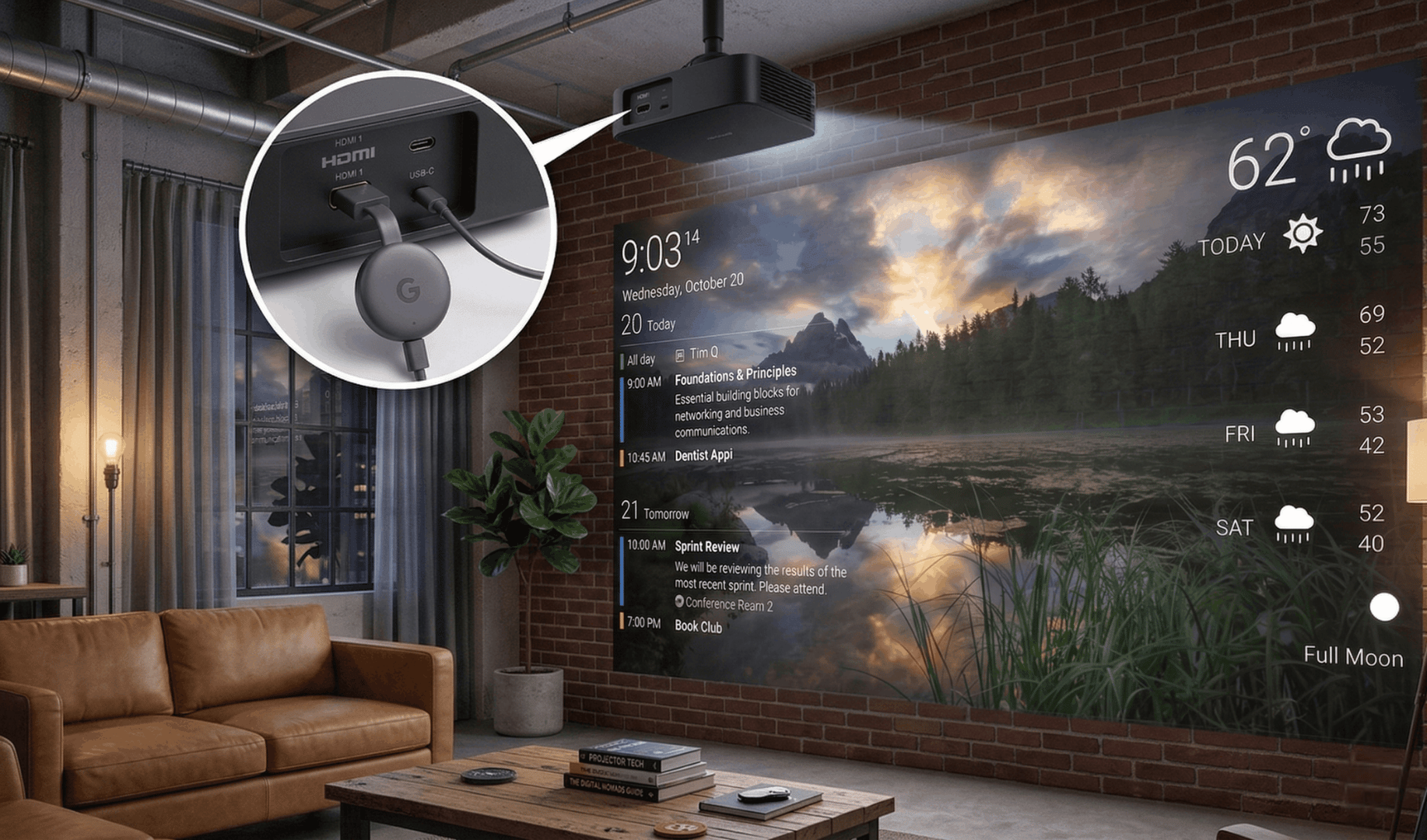
If it has a web browser and an internet connection, it can be a DAKboard. Use non-traditional hardware like smart home panels, custom mirrors, or smart fridges to create a connected display that fits your home.
Learn More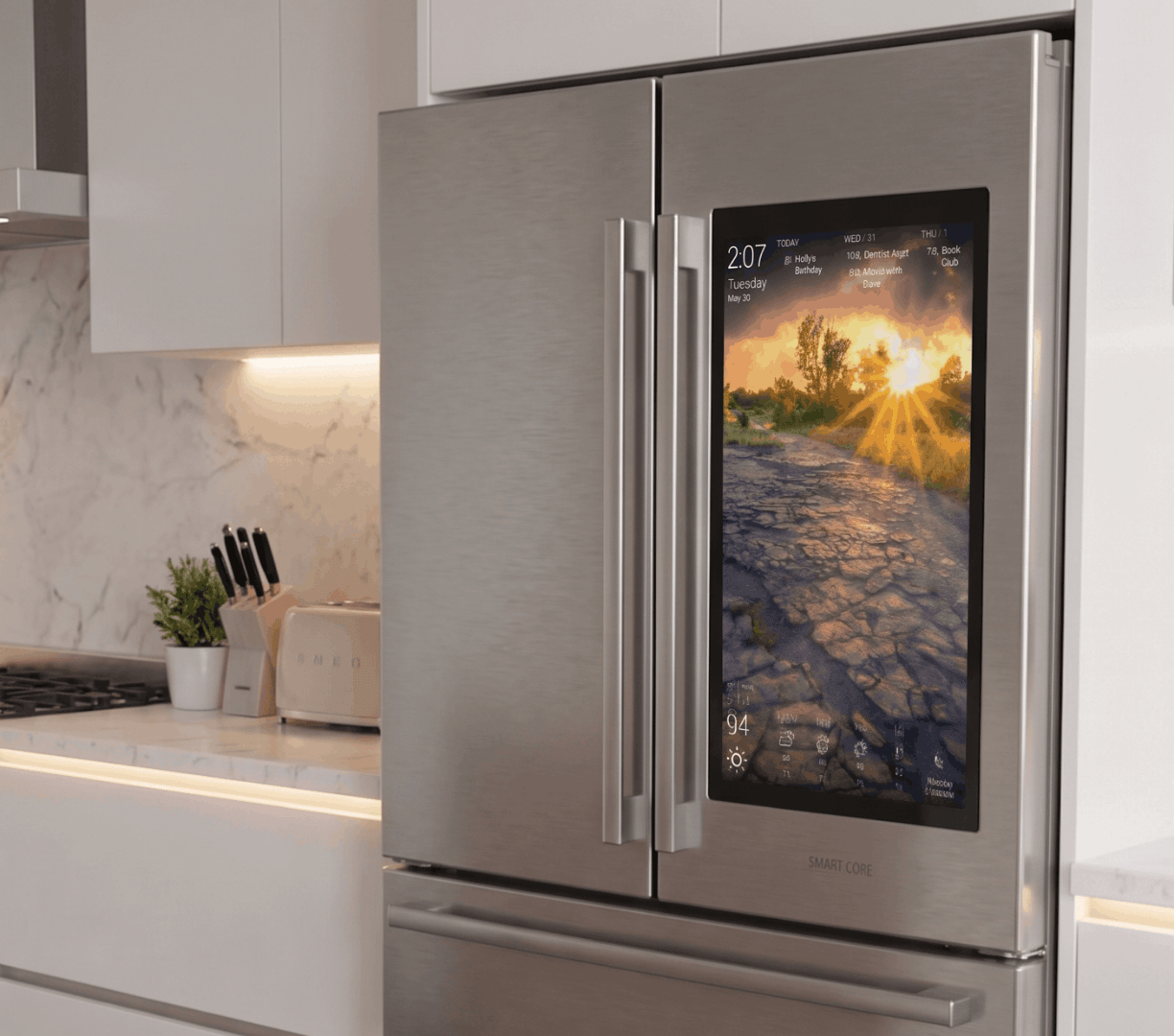

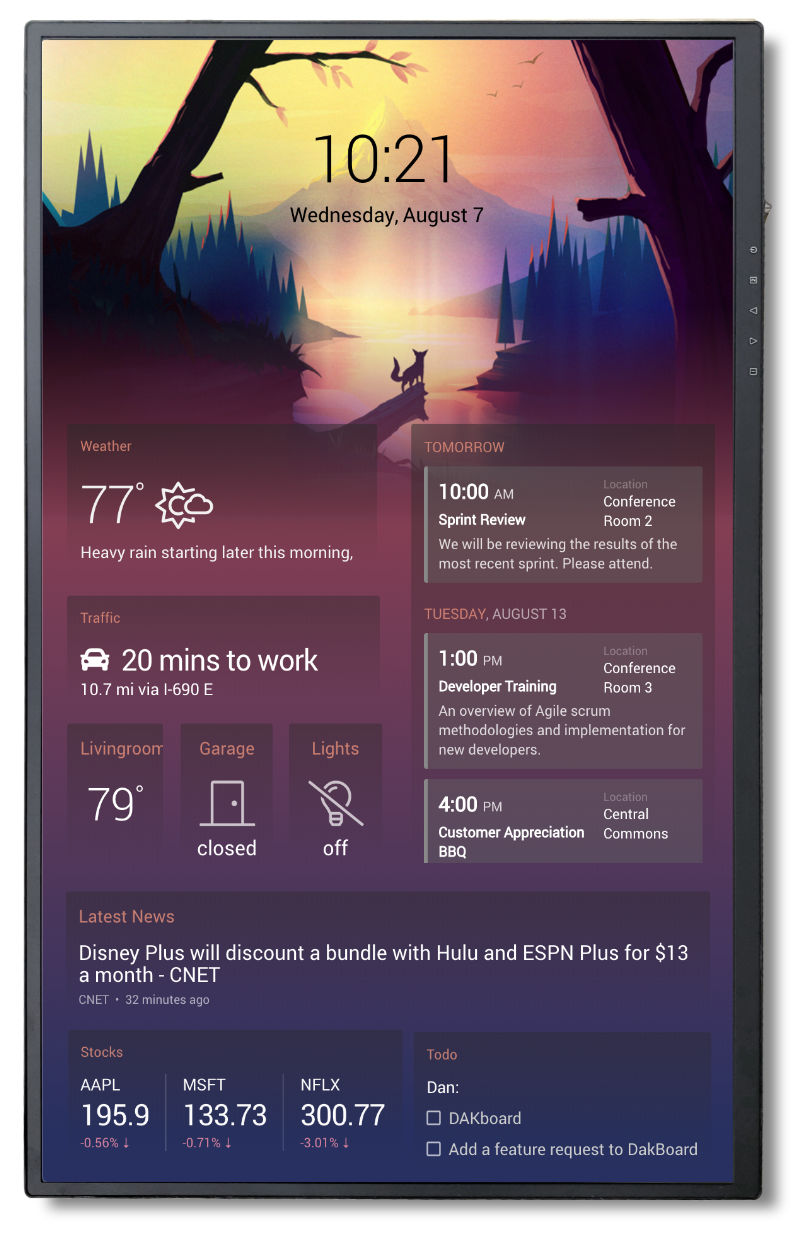
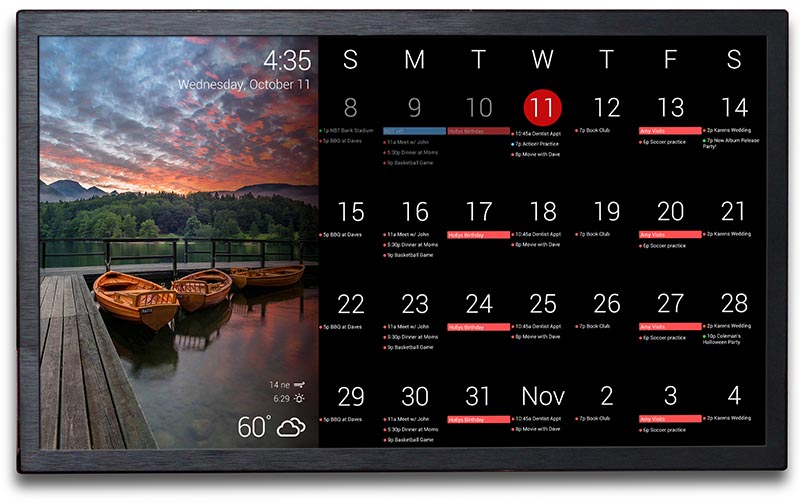
Loved by 300,000+ families. Turn any screen into a shared digital calendar and living photo frame. Stop chasing schedules, end the daily “what’s for dinner?” questions, and get your favorite memories out of your phone.

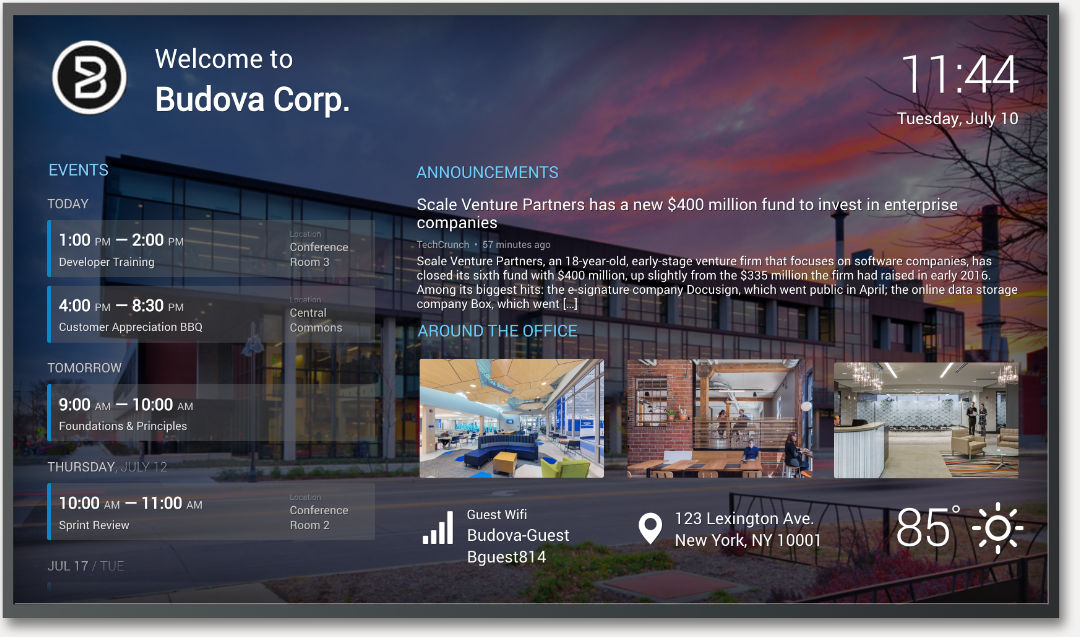
Turn any screen into a powerful business asset. Just attach our $80 plug-and-play hardware to any existing TV or monitor. Remotely manage beautiful, live-updating displays from anywhere in the world.
Built for the whole family, not just the person who set it up.

Nagging doesn’t work. A chart on the wall that keeps score does. Every person in the house gets their own column, with chores assigned as one-time or repeating.
Chores requires Essentials or Plus plan.

Reach up and adjust the lights, locks, or thermostat on your way past. No phone, no second tablet. Your Home Assistant dashboard lives right next to your calendar, chores and photos.
Included on every plan, including Free.
A quick look at chores and smart home control, live on the wall.
Works with the DAKboard Wall Display, or any iPad / Android tablet you already own.
Start Using DAKboard For Free Read the full TouchHub announcement